“I’ll block /admin/ in robots.txt, and nobody will see it.” That is an
understandable but dangerous mistake for a site owner. A robots.txt file does
not put a lock on a door: it gives an instruction to robots that are willing to
follow it. If a section contains restricted documents or user data, robots.txt
alone is not enough.
What robots.txt says
The Robots Exclusion Protocol is an agreement between a site and automated
clients: search, archive, and other robots. The file lives at
https://example.com/robots.txt. A robot finds a group of rules for its name
or a general * rule there.
A minimal example:
User-agent: *
Disallow: /drafts/
Allow: /drafts/public-guide.html
Here, User-agent: * addresses all robots, Disallow asks them not to crawl
URLs beginning with /drafts/, and Allow makes an exception for one public
page. When rules overlap, the more specific path match usually takes priority.
These are crawling rules: they determine which URLs a robot should request, not
who can open a page at all.
RFC 9309 explicitly warns that the protocol is not authorization. In addition, the list of disallowed paths is visible to anyone who opens robots.txt. It can point people toward an administrative section.
Crawling, indexing, and access are different things
Crawling is a robot fetching a page by URL. Indexing is retaining information about it and being able to show its URL in search or another catalog. Authorization is checking permissions before content is returned. Robots.txt applies only to the first step and only affects robots that follow it.
That means a URL can remain known: another page may already link to it, it may have been processed before, or it may be present in a sitemap. Google Search Central also explains that blocking a crawl is not the same as reliably excluding a URL from results. Use suitable indexing mechanisms to keep a URL out of search results; use sign-in, access rights, and server-side checks for genuinely restricted content. Do not rely on a link being unpublished for secrecy.
Applying this to a Dzen Chat source
When adding a site to Dzen Chat, first decide what may be used in the knowledge base. If the site already expresses the desired boundary in robots.txt, enable respect for those rules for the source. If a robots.txt rule exists only for search optimization and does not match the composition of your knowledge base, set the source boundary separately: add only the required section or exclude unwanted URLs with source rules. This decides the scope of material; it is not a way to open restricted pages.
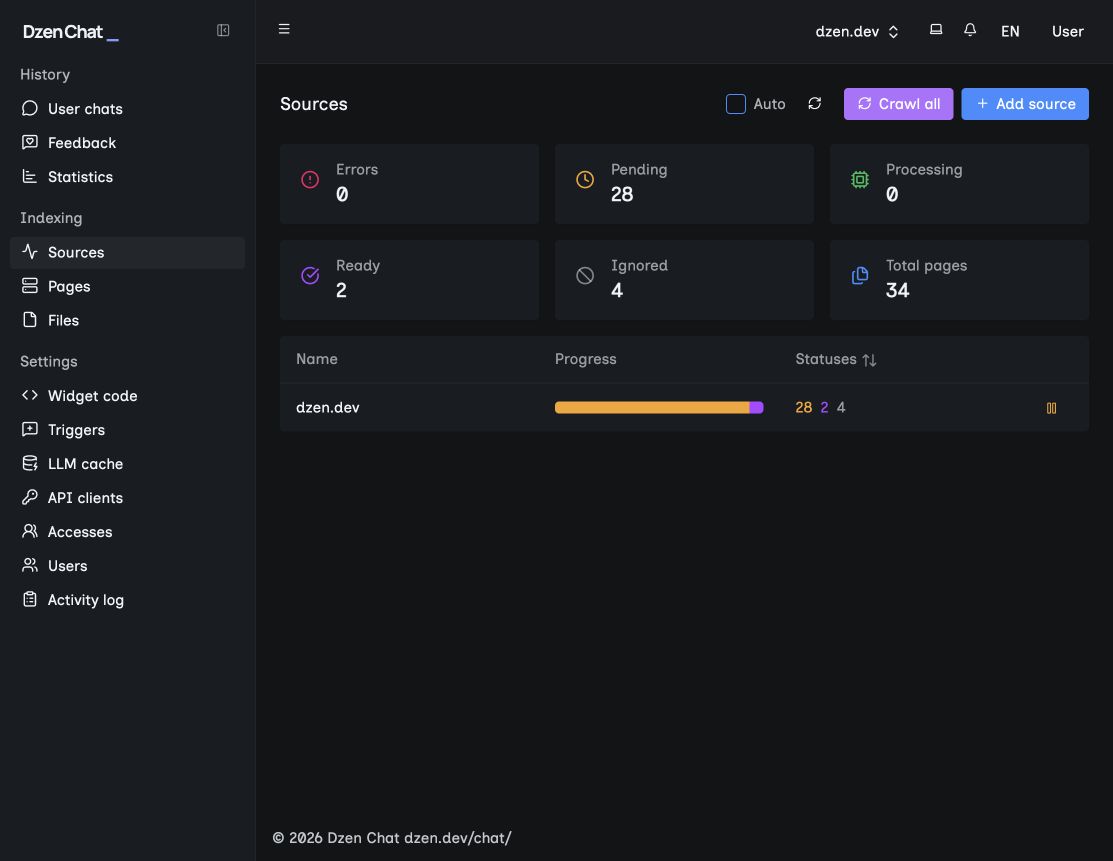
Then open Sources and check the crawl result. The needed public pages should be processed and ready to use; pages excluded by rules should not enter the source. Check one URL from each group after updating the rules. That shows not only that a setting was saved, but that it had the intended effect.
Robots.txt is useful when you want to politely direct a well-behaved robot — for example, not to spend crawl capacity on drafts or technical duplicates. To protect a restricted section, configure authorization first, then use robots.txt as an additional signal. For how a robot finds pages, see the article “What a search crawler does when it crawls a site”; for checking a URL set, see “How to check a site index and exclude unnecessary pages”; and for site maps, see the article about sitemaps.
If you want to verify a source boundary and answers on your own materials, contact the Dzen Chat team.